
· Admin
Can you make my resume ATS-friendly?
Can You Make My Resume ATS-Friendly?
Sending out dozens of applications only to receive instant automated rejections is deeply frustrating. Often, your skills are not the problem. Your resume layout is simply confusing the software. Across Australia, Canada, New Zealand, the UK, and the USA, employers rely on Applicant Tracking Systems—or ATS—to scan, sort, and organize incoming resumes before a human ever reads them.
Making your resume ATS-friendly is completely doable, and it does not require sacrificing readability or personality.
What Actually Confuses Screening Software?
Modern scanning tools read text from left to right, top to bottom, much like a basic text document. When you use fancy design templates, the software often scrambles your words or skips entire sections completely. Watch out for these common formatting traps:
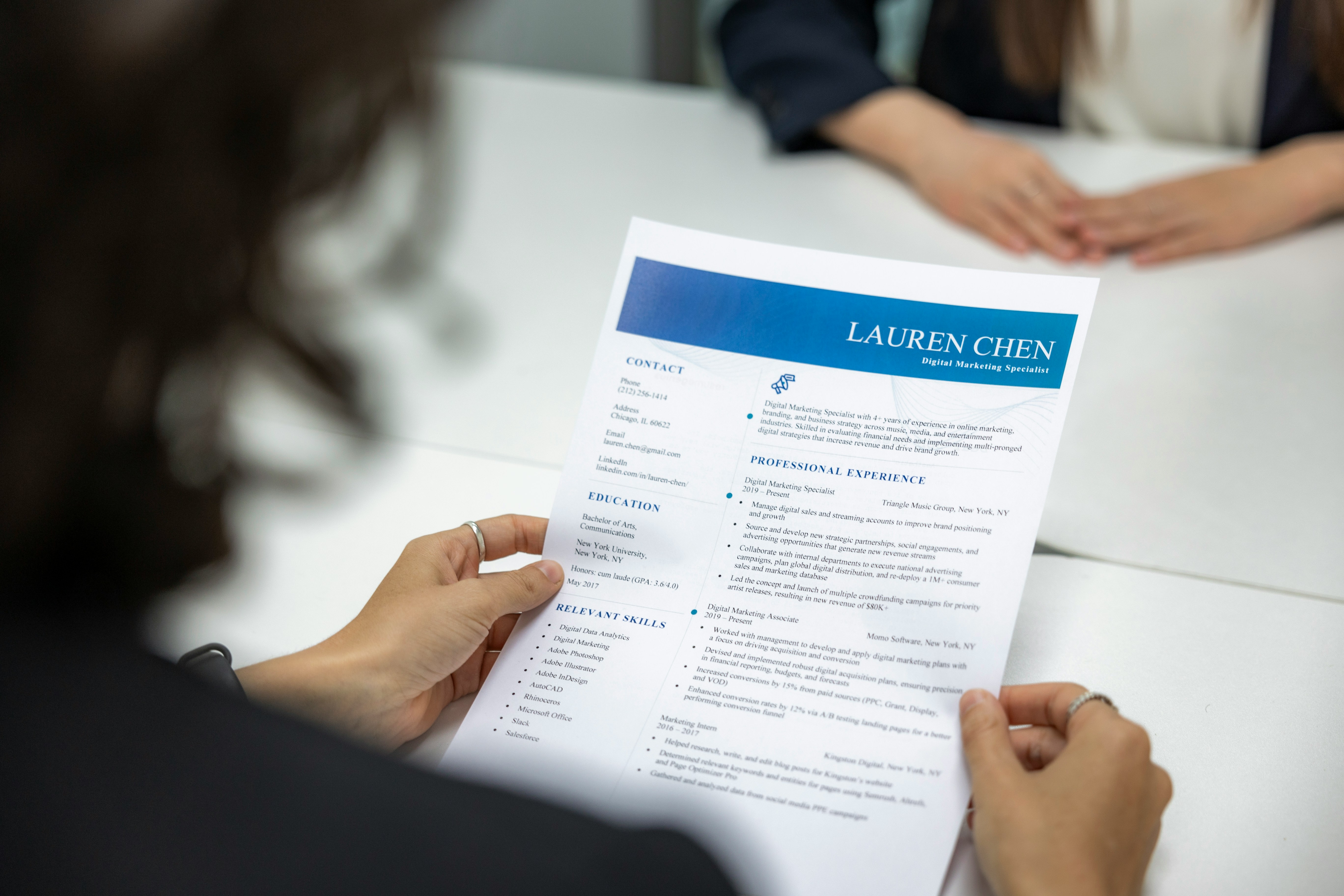
Multi-column layouts and tables: Text boxes and sidebars frequently cause software to read sentences out of order.
Graphics, icons, and skill bars: A five-star graphic next to "Excel" looks neat to human eyes, yet screening software reads it as blank space.
Headers and footers: Placing your phone number or email inside the top header margin can make your contact details invisible to older systems.
Creative section headings: Swap clever titles like "Where I've Made Magic" for standard headings like "Work Experience" and "Education."
Four Rules for a Clean, Scannable Resume
You can make your existing resume pass screening software effortlessly by following four straightforward rules:
Stick to a single-column layout: Keep your text flowing cleanly down the page with standard margins and clear bullet points.
Use standard, readable fonts: Stick to classic choices like Arial, Calibri, Georgia, or Helvetica in a clean eleven or twelve-point size.
Mirror keywords from the job ad: Include the exact job titles, software names, and qualifications listed by the employer naturally inside your experience bullet points.
Save in the right file format: Upload your resume as a standard Word document or a text-based PDF rather than a scanned image file.
Bypass the Screening Maze with Connectzapp
Fighting against rigid resume scanners and guessing secret keywords turns job hunting into an exhausting game.
Connectzapp removes that barrier entirely by connecting people directly with employers.
Instead of uploading static files that get trapped in automated filters, you build one clear, structured profile highlighting your real skills, qualifications, and experience.
Connectzapp then uses smart algorithms to match your profile straight to relevant jobs posted by active employers.
When an opportunity fits your strengths, you express interest with a single click.
If the employer clicks back, an instant connection is made.
Your real capabilities get seen without getting lost in a formatting trap.
Your Practical Takeaway
Open your resume today, strip out any text boxes, columns, or graphic rating bars, and save a clean single-column version using standard section headings.
Match your wording honestly to the core skills employers ask for in your field.
Create your profile on Connectzapp today and connect directly with employers without fighting automated resume filters!
#ATSFriendlyResume #ResumeTips #JobSearch #CareerAdvice #ResumeFormatting #GetHired #Connectzapp #SmartJobSearch